Now is the time to tackle those lingering housekeeping items concerning your marketing strategy! Seriously. Don’t put it off any longer. Chances are this is something you’ve been “meaning to get to” for a while, yet you just haven’t found the time or energy to do so. Never fear – there are many simple ways to improve your content marketing strategy starting now.
Our latest ebook will walk you through a series of steps one must take to develop an effective inbound marketing strategy – and thereby increase the amount of website leads your company generates. Filled with useful tips, tools and tricks of the trade – it’s free to download right here.
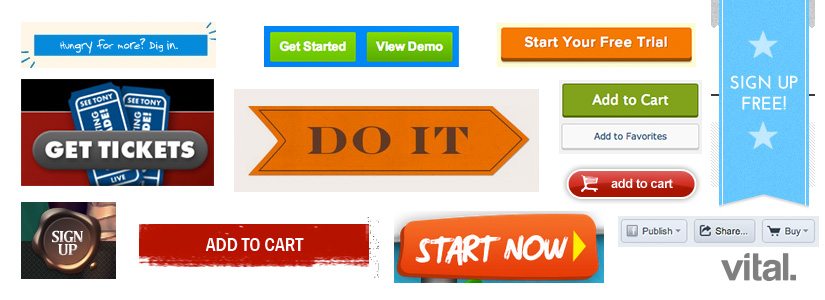
A vital element of your website’s conversion strategy are its call-to-action buttons, or CTAs. If your CTAs aren’t converting, you are losing leads and hurting your business. In this post, we’ll cover what a CTA is and how to design successful call-to-action buttons. In later posts, we’ll delve deeper into the content side of things, but for now we’ll focus on the design of the CTA button itself.
What is a CTA?
A Call-to-Action (CTA) on a website refers to the area that is designed to get a click, or conversion, and often refers to the call-to-action button itself. The desired conversion might be signing up for your email newsletter, downloading a piece of premium content such as an ebook or white paper, or following you on Facebook, Twitter, LinkedIn or other social media channels.
Are Your Blog Posts the Most Successful They Can Be?
Taking a few extra minutes to make sure your post is fully optimized will allow you to harness WordPress' amazing SEO and content marketing power for your blog post's content. Our checklist covers everything you need to know before you hit "Publish" on WordPress.